Quick Answer
Earn weapon insurance contracts from eligible DMZ Orders, then enable insurance before deploying. For MW4 DMZ insured weapons, check rewards in the FOB's DMZ Orders area, then turn on insurance beside Edit Loadout and Operator in the deployment menu. Contracts are spent when you enter a match, and death protection covers only the primary and secondary weapons you are holding.
How Do You Get Insurance Tokens in MW4 DMZ?
For weapon insurance, complete DMZ Orders that reward weapon insurance contracts.
- Go to the DMZ Orders area in your Forward Operating Base.
- Check an Order's rewards for weapon insurance contracts before choosing it.
- Complete the Order's challenges to earn its rewards.
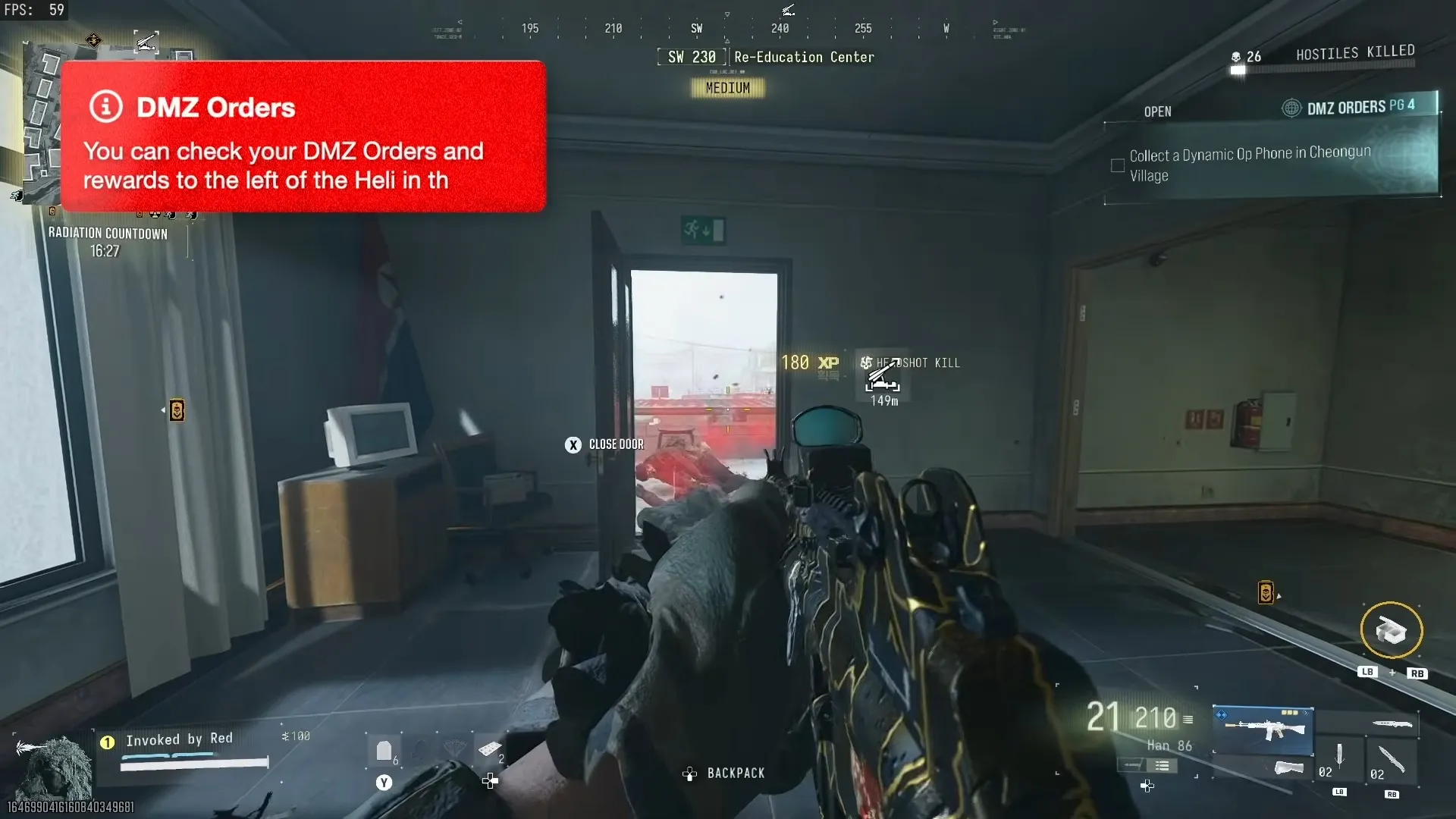
Look for insurance contract rewards in the FOB's DMZ Orders area.
Shown at 01:57 in Invoked by Red’s video.DMZ Orders are challenges with multiple steps across the DMZ. Only some award insurance contracts, so check the reward before committing to the objectives. See DMZ missions when you need help choosing your next task.
Each contract covers one deployment, and the deployment menu shows how many weapon and operator contracts you have left next to their icons. There's no known way to farm contracts yet beyond Orders, so save them for runs where you're carrying a build you can't afford to lose.
How Do You Enable MW4 DMZ Insured Weapons?
Turn on weapon insurance in the deployment menu after you have earned weapon insurance contracts.
Prepare Your Custom Weapon
For a custom weapon, reach DMZ level 10 to unlock the Gunsmith in the center of the FOB, then pay to build your weapon.
The Gunsmith is in the Forward Operating Base.
Shown at 00:41 in Invoked by Red’s video.The base weapon and its attachments involve costs. Larger parts, such as large suppressors and bigger magazines, cost more than smaller ones. If you are still preparing your build, follow the weapon unlocks and Gunsmith steps first.
Choose Whether to Enable Insurance
- Head to the helicopter and choose to deploy.
- Before queuing for a match, find the insurance option beside Edit Loadout and Operator.
- Set the weapon insurance switch for this deployment.
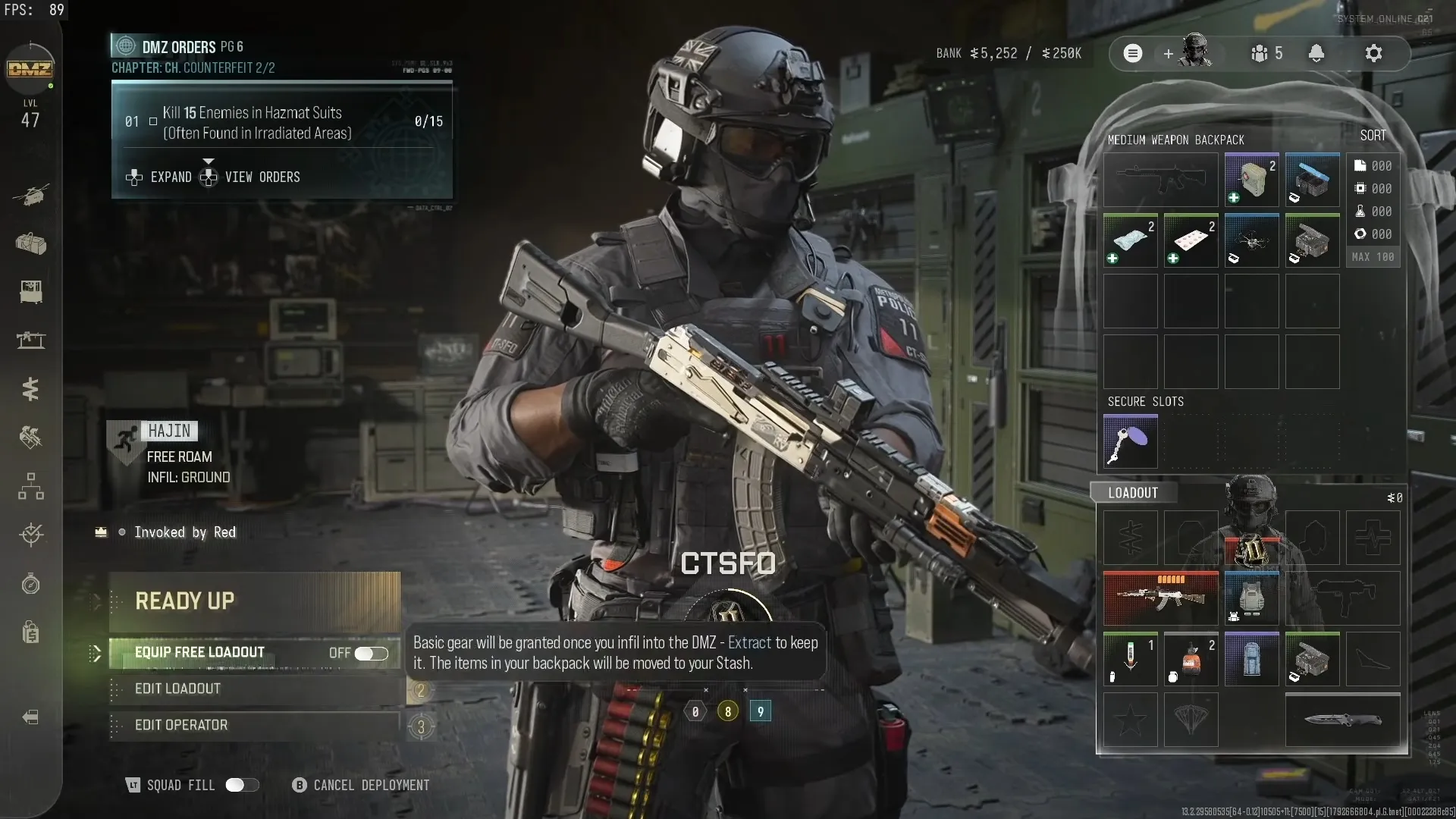
The insurance option sits beside Edit Loadout and Operator in the deployment menu.
Shown at 02:18 in Invoked by Red’s video.Insurance On
Enable insurance when you want your held primary and secondary weapons returned to your stash if you die. This is useful when you want to protect a custom weapon you paid to build.
An enabled insurance contract is spent when you enter the match. It is not saved by a successful extraction, so you need to earn more contracts for later insured deployments.
Insurance Off
Leave insurance off if you choose to deploy without weapon protection. If you die, your uninsured custom weapon is lost. You can change the switch before entering the match, so make this choice before you queue.
Which Weapons Does MW4 DMZ Insurance Protect?
Weapon insurance protects the primary and secondary weapons you are holding when you die, returning them to your stash afterward.
| Situation | Result |
|---|---|
| Death while holding insured primary and secondary weapons | Weapons returned to stash |
| Weapon dropped before death or extraction | No insurance return for that weapon |
| Successful extraction with your weapons | Weapons kept |
Keep hold of the weapon you want protected. Dropping it before you die or extract means insurance will not bring it back. Turning insurance on before deployment does not protect a weapon you later leave behind.
Weapon insurance and operator rescue beacons are separate protections. The weapon rules here cover your held primary and secondary weapons; see operators for operator information.
What Does an Operator Rescue Beacon Protect?
An Operator Rescue Beacon saves you the cost of rescuing your operator if they die, and they keep their traits and dog tag. It doesn't save their gear: the vest, backpack and the rest still drop. You earn and switch it on the same way as weapon insurance, from DMZ Orders and the deployment menu, and it's spent once you're in the match.
| Protection | What you keep after death |
|---|---|
| Weapon insurance | Primary and secondary you were holding |
| Operator Rescue Beacon | Operator, traits and dog tag, free rescue |
| Neither | Only what you extracted earlier |
Rescue costs climb with your best operators; an Onyx dog tag operator costs about 70K to bring back, which is where a beacon pays for itself. See MIA and rescue for how rescue works without one.
Once your insurance choice is set, plan how to exfil so you can bring your weapons out safely.
FAQ
For weapon protection, earn weapon insurance contracts by completing DMZ Orders that list them as rewards. Check the FOB's DMZ Orders area before selecting an Order.
Activate weapon insurance before matchmaking in the deployment menu. Its switch is beside Edit Loadout and Operator, and you need insurance contracts first.
A weapon you drop before dying or extracting does not return through insurance. Keep your protected primary and secondary weapons with you.
Extraction does not preserve an activated contract because it is consumed on entering the match. Extracting safely keeps the weapons you bring out.