
Quick Answer
Change operators by dismissing and replacing them in Operators Station, or change their skin in the same menu. In MW4 DMZ, you can reach Operators Station from the FOB or the left side blade menu. If you're entering DMZ for the first time, recruit an operator into an open slot first.
How do you change operator in MW4 DMZ?
To replace the operator assigned to an Active Duty slot, dismiss that operator, then recruit your replacement into the open slot.
Open Operators Station
Enter Operators Station from the FOB or the left side blade menu. This is where you view, manage, and select your Active Duty Operators.
Recruit into an open slot
For your first deployment, select Recruit and choose the operator you want to use. You must recruit an operator before entering DMZ.
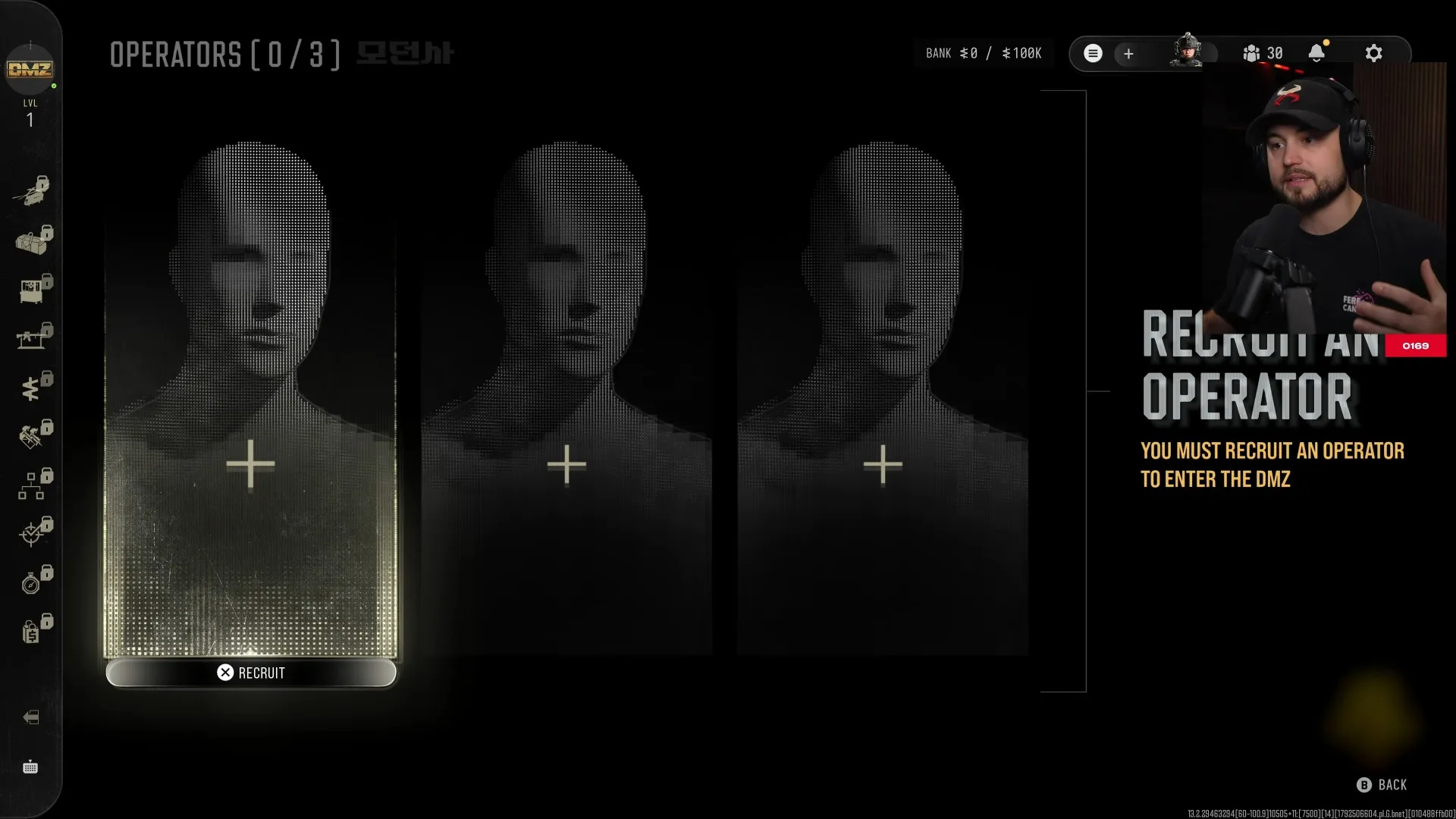
Look for Recruit in the operator selection menu.
Shown at 28:21 in Expel’s video.Dismiss the assigned operator to replace them
An operator stays locked to their slot until you dismiss them in favor of a replacement. If the slot already holds someone, dismiss them before recruiting a different operator into it.
Reece is a useful example: once assigned, you cannot directly swap him for another operator, and you cannot choose Reece again in another Active Duty slot. Compare the MW4 DMZ operators before you commit to your replacement.
How do you change operator skin in MW4 DMZ?
You can change your operator's skin in the Operators Station menu; Reece's Operator Skin can be changed there while he occupies his slot.
Keep your operator if you only want a different look. You don't need to dismiss anyone for that.
Some operators have variants you can preview from the selection menu. Check the preview when deciding which appearance you want.
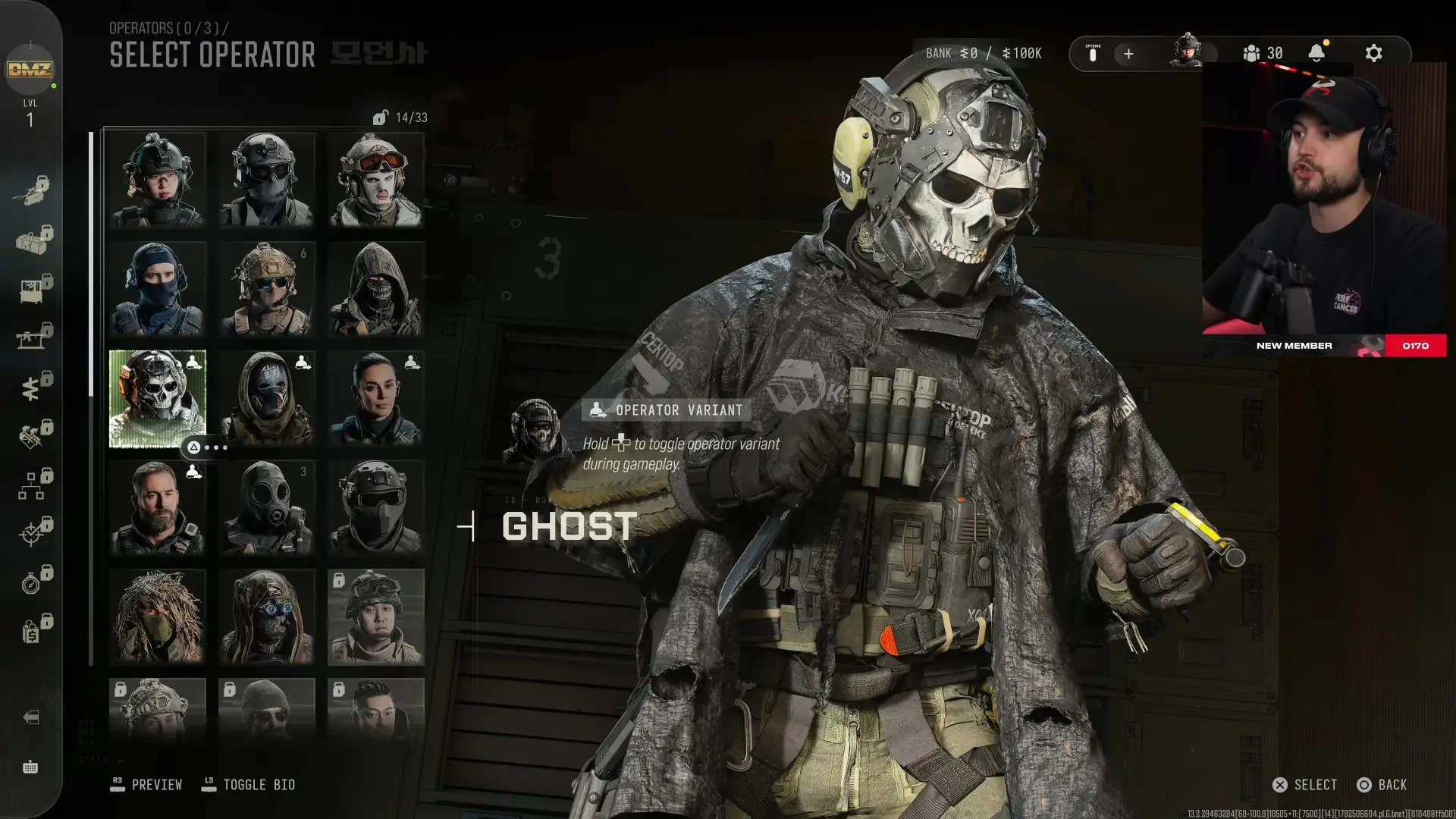
The variant preview gives you a closer look at the operator's appearance.
Shown at 28:33 in Expel’s video.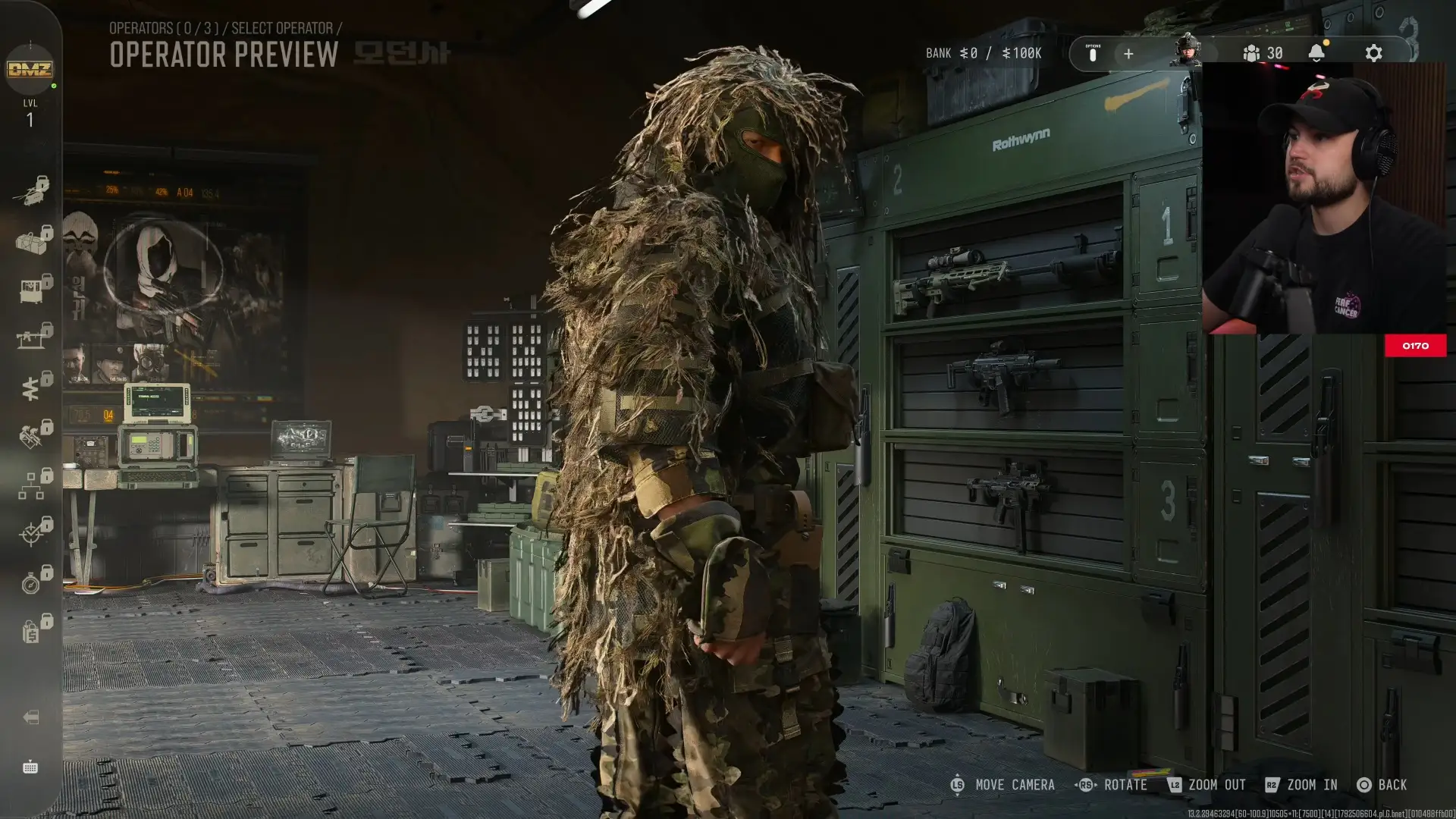
The operator preview displays a ghillie appearance.
Shown at 29:07 in Expel’s video.Operators grow stronger as you survive deployments and award them MW4 DMZ traits.
FAQ
Free that slot by dismissing its assigned operator, then recruit the character you want as their replacement.
Keep Reece assigned and change his Operator Skin in the Operators Station menu.
Open an operator variant preview from the selection menu to inspect its appearance, such as the ghillie skin.