
Quick Answer
Find a Dynamic Ops phone in Hajin to start an operation, or select one before infil. The MW4 DMZ Dynamic Op phone lets you pick up an objective in the field; completing the operation earns DMZ XP, DMZ Cash, and a Supply Drop with extra loot. Open your Tac-Map if you want to cancel the current Op.
How do you start MW4 DMZ Dynamic Ops?
You can select a Dynamic Operation before infil or find a Dynamic Ops phone in Hajin to initiate one during your deployment.
- Before infil: select Dynamic Operations to access its infil options. Some infil options require funds or progression to unlock.
- Already in Hajin: find a Dynamic Ops phone to start an operation in the field.
- Once it starts: follow the operation's objectives and complete the Op for its rewards.
Choose before infil when you want an objective from the start. The phone gives you a way to begin an operation after you are already on the MW4 DMZ Hajin map.
A Dynamic Op is a separate activity from a story mission. If you are looking for story objectives instead, head to MW4 DMZ story missions.
What does the DMZ MW4 Dynamic Op phone objective mean?
Orders can ask you to collect a Dynamic Op phone and earn cash from completing Dynamic Ops.
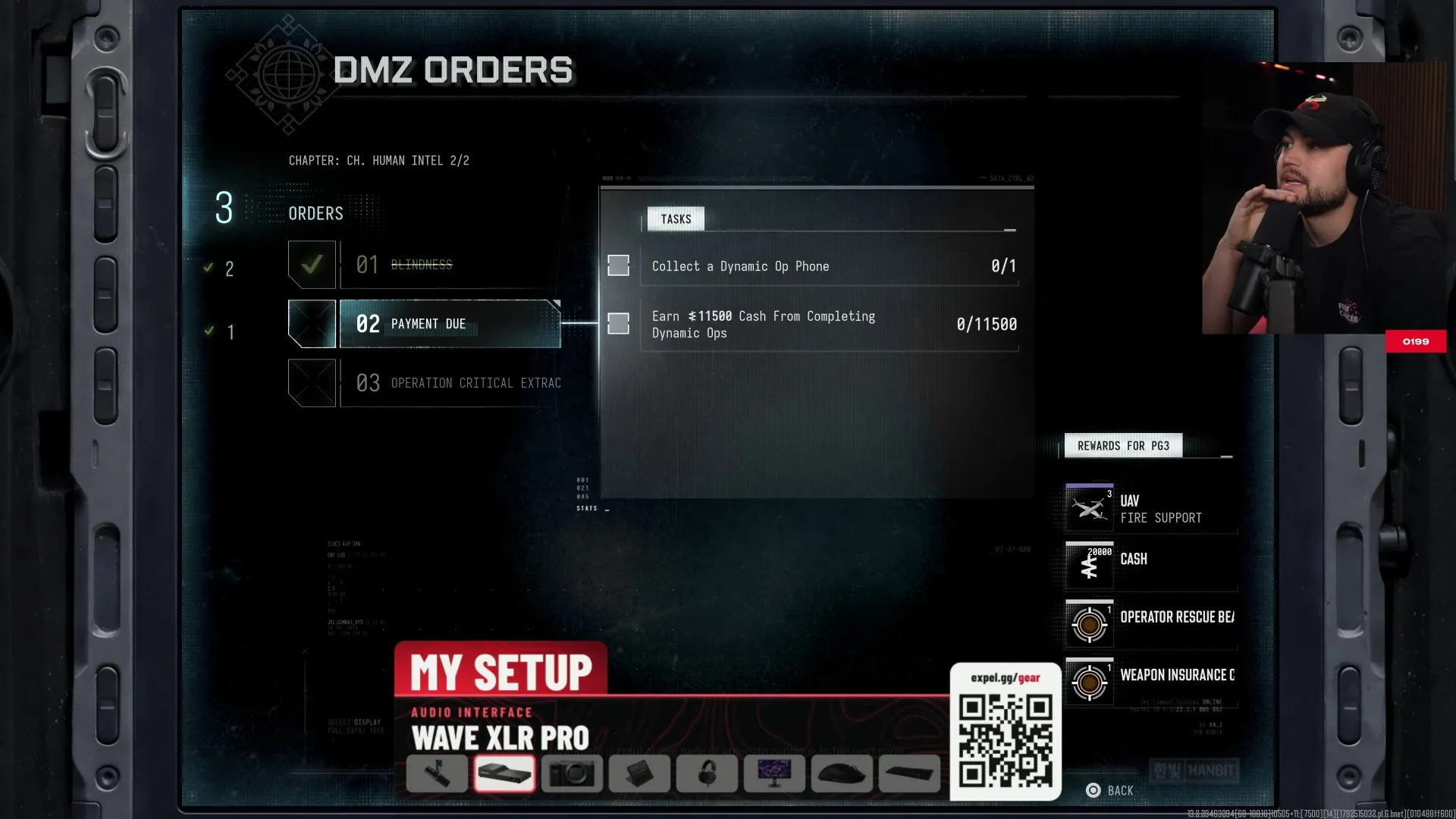
The Orders interface lists a Dynamic Op phone objective alongside a cash objective tied to completing Dynamic Ops.
Shown at 177:48 in Expel’s video.Read those as separate objectives: one concerns the phone, while the other concerns cash earned through completed operations. The phone starts the activity; completing the activity earns the cash. Keep that distinction in mind when choosing what to work on in your Orders list.
What rewards do MW4 DMZ Dynamic Ops give you?
Completing a Dynamic Operation earns DMZ XP and DMZ Cash, followed by a Supply Drop containing additional loot.
| Reward | What you receive |
|---|---|
| DMZ XP | Operation completion XP |
| DMZ Cash | Operation completion cash |
| Supply Drop | Additional loot |
Secure the Supply Drop after completing the Op rather than stopping at the completion reward. Its loot quality improves with each successful operation, progressing from Common to Uncommon to Rare. The contents vary, so plan around the quality progression rather than a particular item.
How do you cancel a Dynamic Op?
Open the Tac-Map to cancel your current Op; a squad cancellation can use the Vote to cancel option.
Open the cancellation option
Open your Tac-Map and access the current Op's cancellation control. In a squad, look for Vote to cancel.
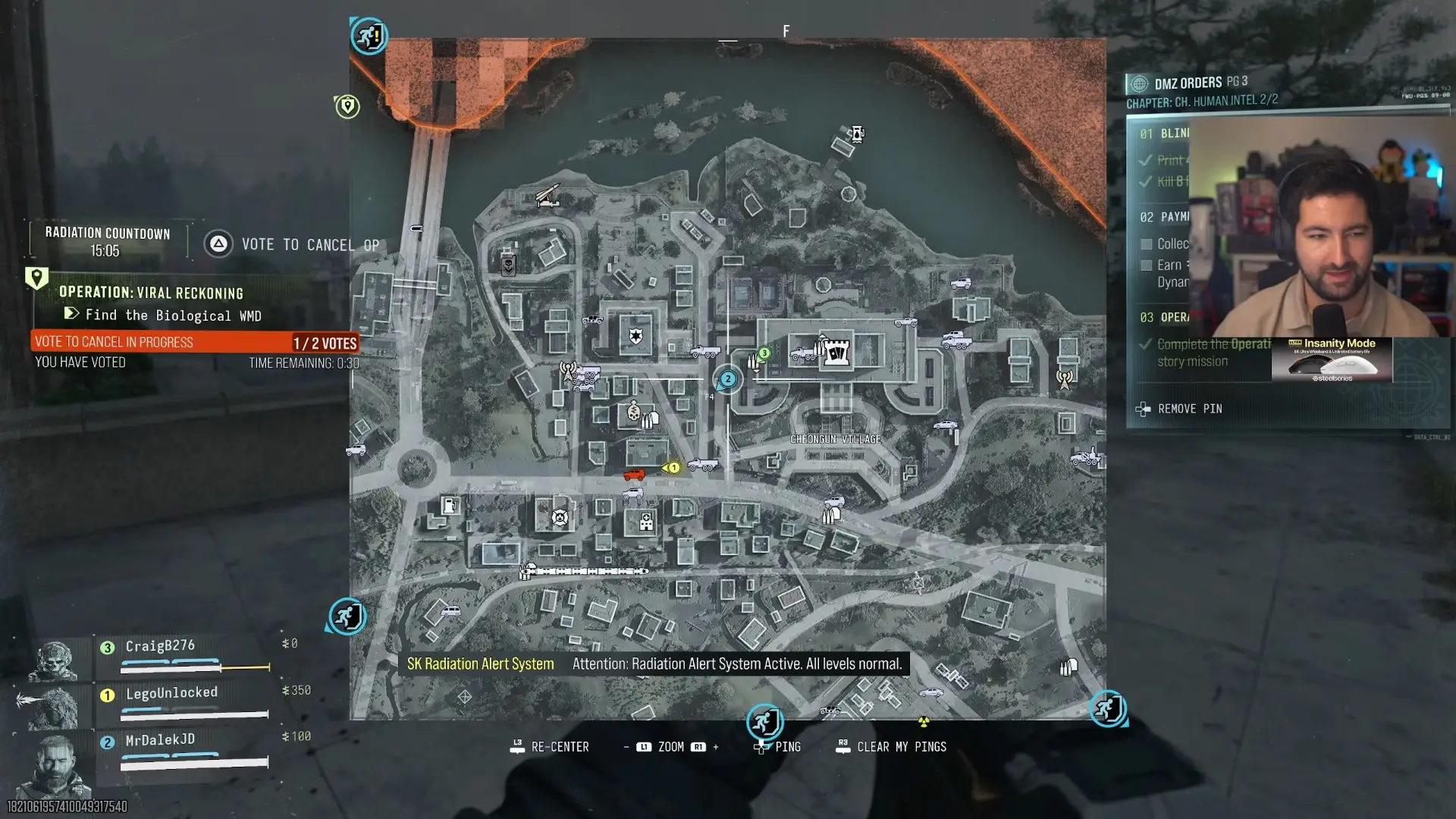
The active operation has a Vote to cancel option.
Shown at 200:56 in MrDalekJD’s video.Check the cancellation message
After cancellation, look for Your active operation was cancelled before moving on to another activity.
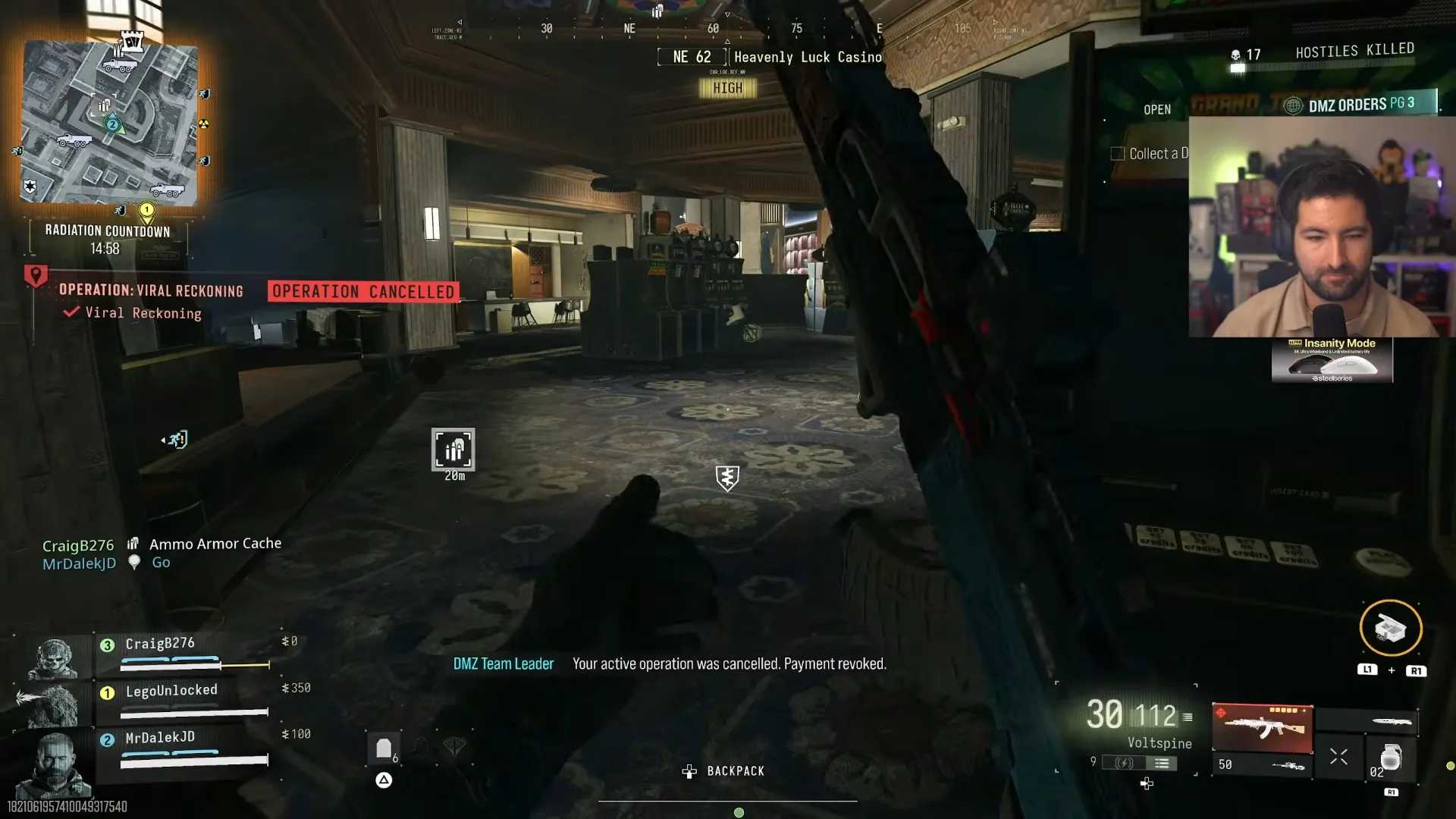
The cancellation message tells you that the active operation was cancelled.
Shown at 201:03 in MrDalekJD’s video.If you want the completion rewards, finish the Op and secure its drop. If you want to abandon the current objective, use cancellation to end it deliberately.
For your next objective, return to MW4 DMZ missions.
FAQ
No. Selecting a Dynamic Operation before infil is another way to begin; finding a phone is the route available in the field.
Cash is a reward for completing the operation. Collecting a phone and earning cash through completed Ops are separate Orders objectives.
Yes. The Tac-Map includes a cancellation control for the current Op, and squads can encounter a Vote to cancel option.
No. Supply Drop contents vary, while successful operations improve the drop's loot quality through Common, Uncommon, and Rare.